Genesis API quick start: key, first request and limits
In short
- Genesis API is REST access to Genesis Arbitrage data: CEX and DEX spreads, order books, funding, cross-chain, on-chain flows, prediction markets and Genesis AI+ signals.
- Getting to your first request takes three steps: a plan, a key in your profile, and a GET request with the X-API-Key header.
- Your plan sets the call quota, requests per second and data delay — from 60 seconds on Trial to 5 seconds on Max.
Genesis API serves Genesis Arbitrage data as a REST API: spreads between CEX and DEX, order books, funding, cross-chain, on-chain flows, prediction markets and Genesis AI+ signals. Every tool on the site is available as its own endpoint with a single JSON format. Your first request needs an API plan, a key and one HTTP header — no SDK is required, any language with an HTTP client will do.
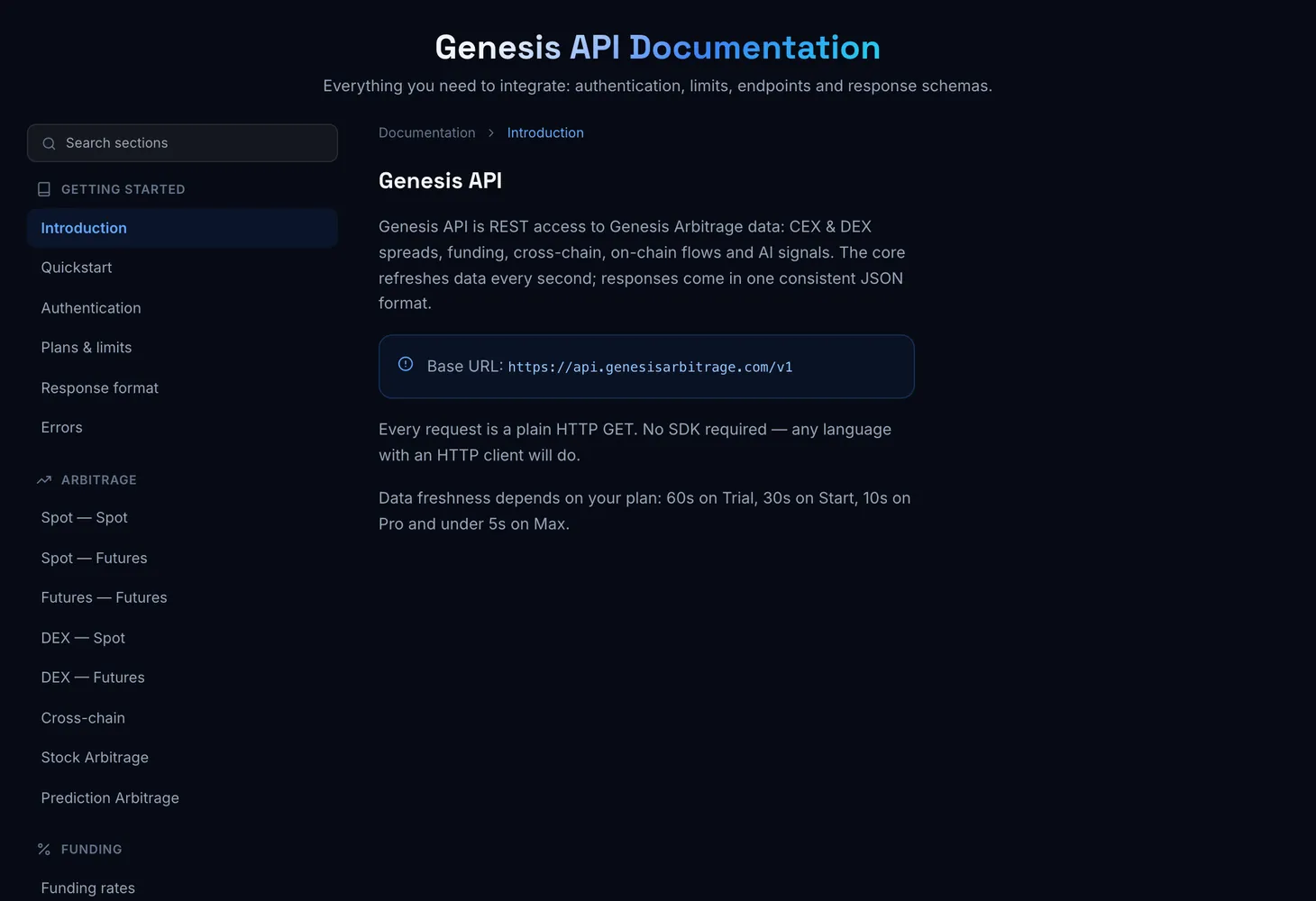
What the API covers
The endpoints mirror the sections of the site:
- Arbitrage — Spot – Spot, Spot – Futures, Futures – Futures, DEX – Spot, DEX – Futures, Crosschain and Stock Arbitrage.
- Order books — execution prices for a volume on every market, «Order-book Δ» for arbitrage rows, a market's order book, execution history and DEX slippage (on the API Pro and Max plans).
- Prediction markets — prediction arbitrage and platform status; analytics, smart money, large trades and the trader leaderboard on the API Pro and Max plans.
- Funding — funding rates across all exchanges, funding spread and historical funding analytics (on the API Pro and Max plans).
- Market — Fair – Last, CEX Pumps – Dumps, DEX Dumps, OI Tracking.
- On-chain — large transfers, CEX flows, mint and bridges, team wallets, Perp. DEX positions, unlocks, claims, hacks; on the API Pro and Max plans also the DEX overview, analytics and the coin page.
- AI and search — Genesis AI+ signals and the full coin card.
- Account — the state of your key: plan, quota used and limits.
The data sets are described on the Genesis API page; the parameters and fields of each endpoint are in the documentation.
Plans and limits
The API has its own plans, separate from the site subscription: Trial, Start, Pro and Max. They differ in call quota, requests-per-second limit and data freshness.
| API plan | Calls per month | Data freshness |
|---|---|---|
| Trial | 500K | 60 s |
| Start | 2M | 30 s |
| Pro | 5M | 10 s |
| Max | 10M | 5 s |
Trial costs $20 a month, and Max allows 15 requests per second. Endpoints that are not part of your plan return a 403 error with the plan_restricted code. Requests over the limits are not charged: wait for the new period or upgrade. Only 200 responses use the quota: errors and 304 responses are free. Prices and the full comparison are on the Genesis API Pricing page.
Your first request
Pick a plan
On the Genesis API Pricing page, choose a plan and period and click "Subscribe". Payment is in crypto, just like the site subscription. If another API plan is already active, paying for a new one replaces it and the remainder is forfeited — the site warns you first.
Get your key
In your profile, in the Genesis API block, click "Get key". A
gns_live_…key appears in the "Your API key" window — click "Copy" and save it. It is shown only once.Make a request
Send a plain HTTP GET and pass the key in the
X-API-Keyheader. The base URL ishttps://api.genesisarbitrage.com/v1. A good first endpoint is/account/usage— it shows your plan and remaining quota.Parse the response
A successful response comes in a single envelope: a
dataarray and ametablock. If something goes wrong, check the error table below.
A curl example:
curl "https://api.genesisarbitrage.com/v1/account/usage" \
  -H "X-API-Key: gns_live_…"
The documentation has a "Try it" form: paste your key, click "Send request" and see a shortened response right on the page. The key is stored only in your browser.
Response format
dataholds an array or an object, depending on the endpoint.metaholds the item count, the time of the last data update, the delay for your plan in seconds and your plan.- Empty values are
null. Times are unix seconds. - Spreads and rates are percentages: 0.92 means 0.92%.
- All filter parameters are optional: without them an endpoint returns the full data set.
Errors and limits
| Code | Meaning |
|---|---|
| 401 | The key is missing, invalid or revoked |
| 403 | The endpoint is not part of your plan |
| 404 | The endpoint or resource was not found |
| 429 | Rate limit exceeded — see the X-RateLimit and Retry-After headers |
| 500 | Internal error, retry later |
| 503 | Data is being rebuilt, retry in a few seconds — see Retry-After |
The X-RateLimit headers in every response show your requests-per-second limit, how many requests remain in the current window and when the window resets. The X-Quota headers show the call quota for the period, what is left and when it resets. Every response also carries an X-Request-Id: when contacting support, include it with the request time in UTC, the endpoint and the status. Never send the key itself.
What next
- API key: get, store, reissue — where the key lives in your profile and how to protect it.
- Limits: quota, requests per second, freshness — how to stay clear of 429 responses.
- Responses and errors: JSON, ETag, HTTP codes — the response envelope, 304 and retries.
- Endpoints by group: arbitrage, order books, funding, market and AI signals, on-chain, prediction markets and surebets.
- Genesis API for AI agents — the OpenAPI spec, llms.txt and function calling.
Questions and answers
How is Genesis API different from free exchange APIs?
Exchange APIs return the order books and tickers of one venue. Genesis API returns computed spreads across dozens of exchanges and networks, deposit and withdrawal flags, and data cleaned of illiquid pairs.
What happens if I exceed the limit?
The server responds with 429 and the X-RateLimit and Retry-After headers. Extra requests are not charged.
Can I change my API plan?
Yes. A new plan takes effect right after payment: the new limits and freshness apply immediately, the call quota starts from zero, and the rest of the previous plan is forfeited. Renewing the same plan adds days to the current term.
Can I use the data in my own product?
Yes, you can build your own services, bots and dashboards on Genesis API. You may not resell the raw data as is.